Film and Darkroom, a folio in two rooms
The negative first. Then the print.
Film and Darkroom holds the film archive and the darkroom in one folio: negative, slide, instant and cine colour, then paper, toner and press mono. Works in the free Lightroom app on iPhone and Android, and in Lightroom Classic.
For film-look, cinematic and mono creators who want the whole shelf and the whole darkroom.
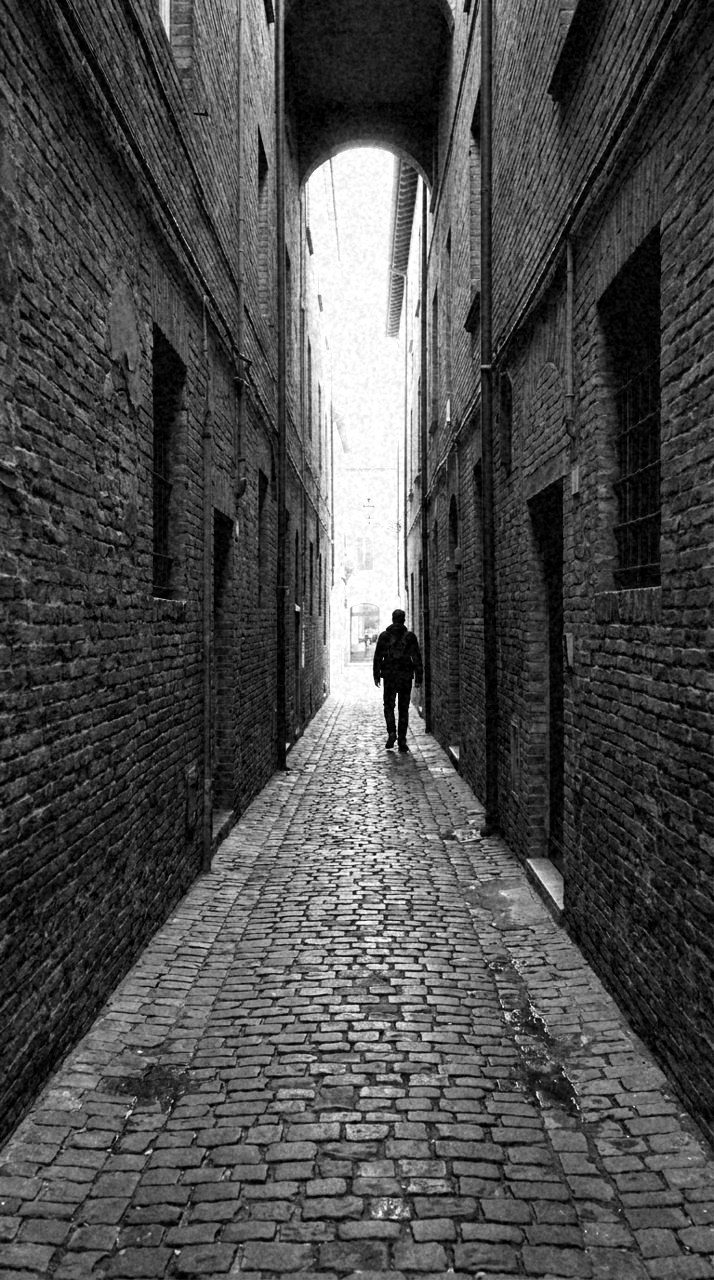
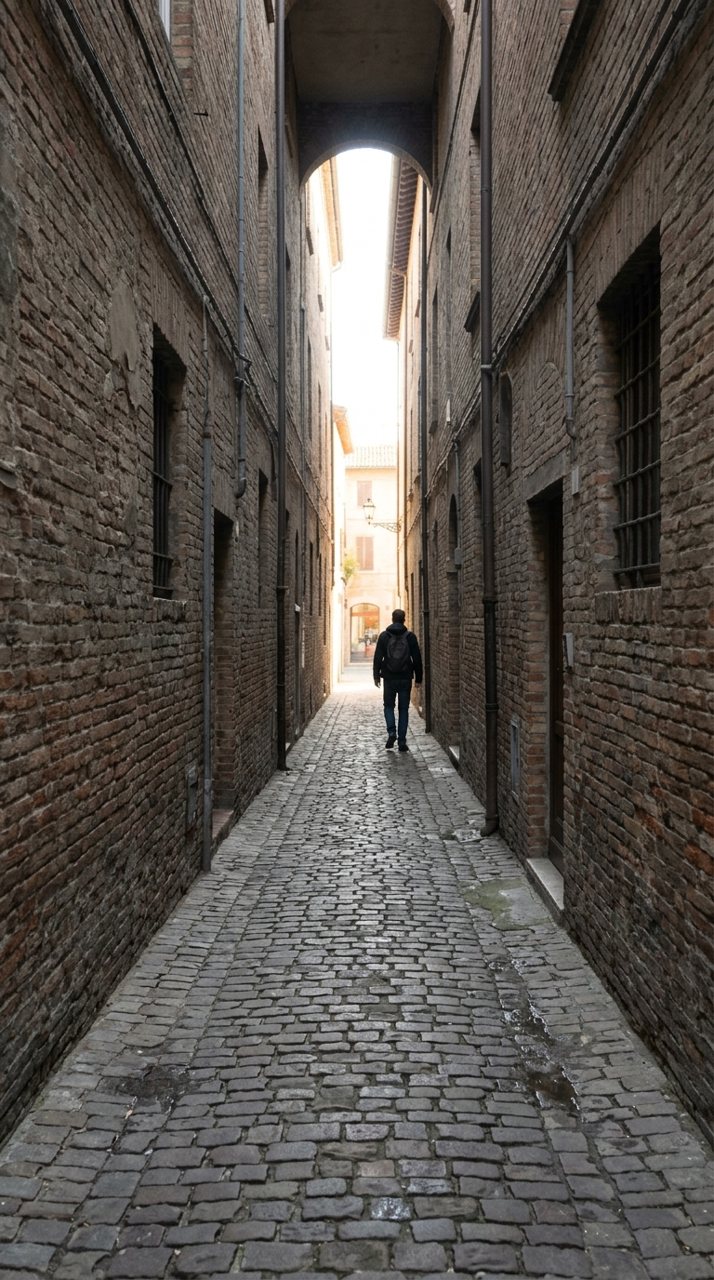
The first room is the archive. Colour Neg gives a file the character of negative stock: warm midtones, a soft shoulder, cyan settling into the shadows. Slide Film runs the other way, steep tone, dense blacks, loud clean colour. Rich Print sits between them, a dense darkroom print with the reds deep and nothing clipped. Instant Pack lifts the toe and lets the tone go pale and green-warm; Matte Finish is the same lift as a pure ladder, no colour touched.
Cinema and Snapshot are the archive's far ends. Anamorphic Wide is the cool low-contrast look of cine glass, blacks lifted, a blue cast in the flare. Bleach Pass strips the colour to an orange residue under hard silver contrast. Snapshot Vernacular is deliberately artless: on-camera flash, a magenta tint, the hot reds of a cheap print.
The second room is the darkroom, and every collection in it converts to mono first. Contact Print is the honest proof sheet. Platinum Print is long-scale with no true black and warm highlights. Plate Room is the soft filing print with the black point lifted. Then the toners: Copper Wash puts copper highlights against blue shadows, Selenium Tone cools the shadows blue-grey and firms the blacks. Silver Halide is the classic gelatin print, full range and quiet grain. Press Black is agency mono at working contrast; Grain Report pushes heavy grain over a muted palette for reportage weight.
Not in the vault: the exclusive sets sold by the network's specialist brands. Cross Signal, the cross-processed colour, Faded Print and Old Stock, and the mono specialists, Graphic Black, Orthochromatic, Sepia Archive and the Infrared Look, each live on one page only. The Film Archive and the Darkroom are sold on their own as smaller packs; this folio is both rooms together.
contents
The Two Rooms
288 presets across 5 territories
Archive and darkroom, chapter by chapter. Each opens to its collections and a few presets on the same photographs.
The Negative and the Slide
chapterWarm midtones under a soft shoulder, steep reversal tone, dense darkroom-print colour.
- Colour Neg 18 presets
- Slide Film 18 presets
- Rich Print 18 presets






Instant and Matte
chapterLifted toe, pale flat tone, and a matte ladder with no colour work at all.
- Instant Pack 18 presets
- Matte Finish 18 presets






Cinema and Snapshot
chapterCine glass with lifted blacks, bleach-bypass silver, the artless flash snapshot.
- Anamorphic Wide 18 presets
- Bleach Pass 18 presets
- Snapshot Vernacular 18 presets


The Papers
chapterProof-sheet mono, long-scale platinum, a soft print for filing.
- Contact Print 18 presets
- Platinum Print 18 presets
- Plate Room 18 presets


Toners and the Press
chapterCopper over blue, cool selenium, agency black, silver gelatin, pushed grain.
- Copper Wash 18 presets
- Selenium Tone 18 presets
- Press Black 18 presets
- Silver Halide 18 presets
- Grain Report 18 presets


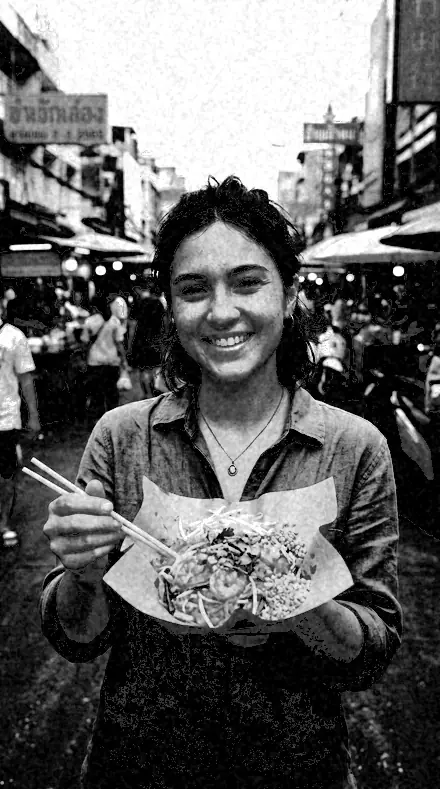
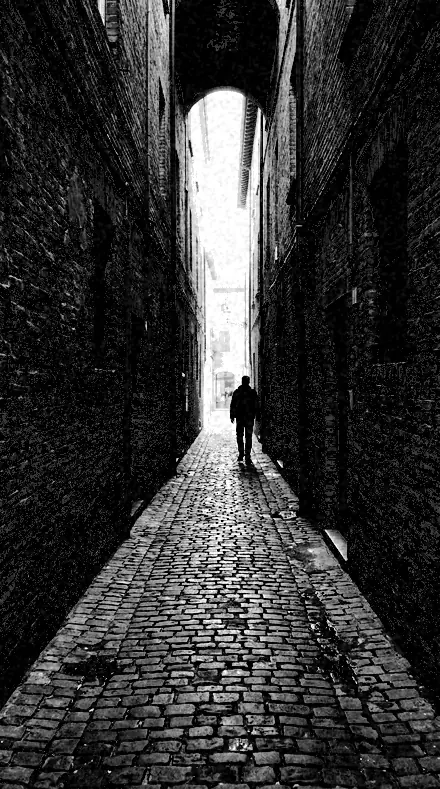


open
The same minute, kept
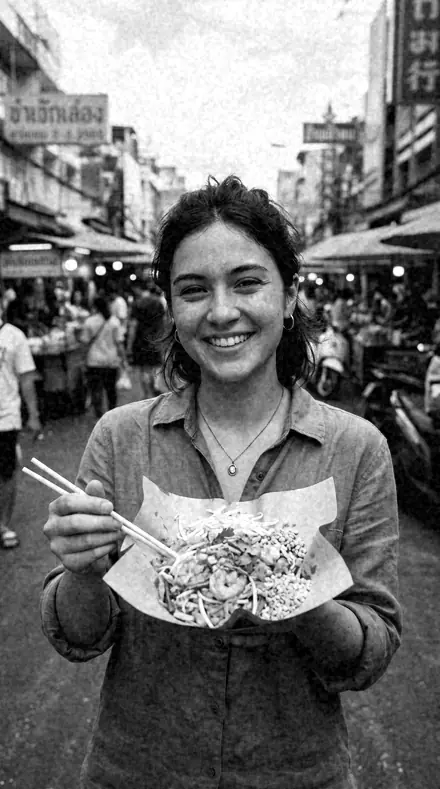
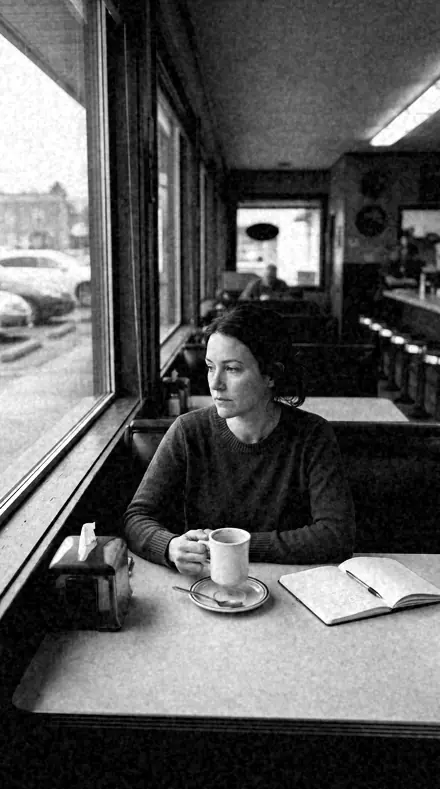
how it works
Yours in two minutes
- Buy the setCheckout takes a card; you get a receipt by email.
- Download instantlyThe preset files download right after payment. Re-download any time from your account.
- Import to LightroomOpen the files in the free Lightroom app (iOS or Android) or Lightroom Classic. Lightroom saves them as presets automatically.
- Tap a presetOne tap applies the full look. Every setting stays editable after.
- Single-user license. Yours to use in personal and client work.
- No redistribution. Don't resell or share the preset files themselves.
- Free app is enough. No Adobe subscription needed for Lightroom mobile.
- Keep it forever. Files live in your account for re-download.

the maker
Why I Make These
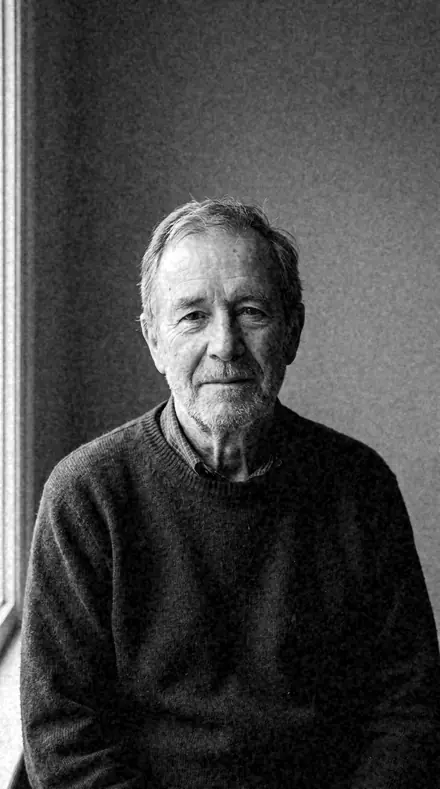
I am Netzah Elad Topaz. I take photographs and I build software, and the two keep leading me back to the same problem. You were there. The light was doing something you will not see again. Then the photo comes back flat, and it is not what you were looking at.
Closing that gap is the whole job. Every preset here is built from Adobe defaults by hand, with a written note for what it should do to a picture, and it is judged on real photographs before it ships. Nothing is a filter dropped on top of your work.
What I want is simple. You open a photo you almost gave up on, you tap once, and there it is: the day you remember, not the file your camera handed you. That is worth doing properly.
Netzah Elad Topaz, photographer and software builder
get it
Get Film and Darkroom
Film and Darkroom
$399
All 288 presets · one-time payment · instant download
Works in the free Lightroom app · keep forever
Instant download after payment. The download link is also sent to your email and stays available in your account.
questions
Asked and Answered
Are the darkroom collections true black and white?
Yes. Every darkroom collection converts to greyscale first, then sets its paper, toner or press contrast. The toners add colour back only through the split, copper or selenium, and every slider stays editable.
Which film collection is the everyday one?
Colour Neg. Its middle members warm the midtones and soften the shoulder and little else. Slide Film is the loud one, for clean exposures that can hold a steep curve.
Is this one download or several?
One ZIP, with every collection in its own folder. Import them all, or only the ones you use.
Do these work in the free Lightroom app?
Yes. Import the .xmp files in the free Lightroom app on iPhone or Android, no subscription needed. They also work in Lightroom Classic and Lightroom on desktop.
What exactly do I get?
All 288 presets from Film and Darkroom as .xmp files in an instant ZIP download. The link also lands in your email, and the purchase stays in your account so you can re-download any time.
How do I install them?
Two minutes: unzip, then import inside Lightroom. The step-by-step guide covers iPhone, Android, and desktop.
Can I use them for client work?
Yes. The single-user license covers personal and commercial photography. The one thing you can't do is share or resell the preset files themselves.
Can I tweak a preset after applying it?
Always. A preset is a starting point; every slider stays yours to adjust.
What if it's not for me?
Before your first download we refund, no questions asked. After a download, sales are final except a technical fault we cannot fix or a duplicate charge. Details on the refunds page.